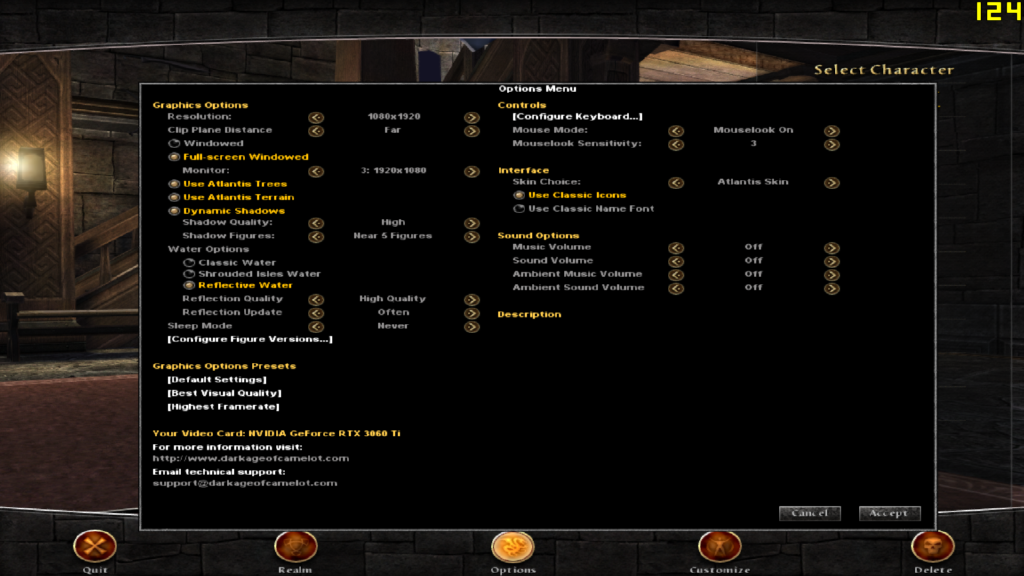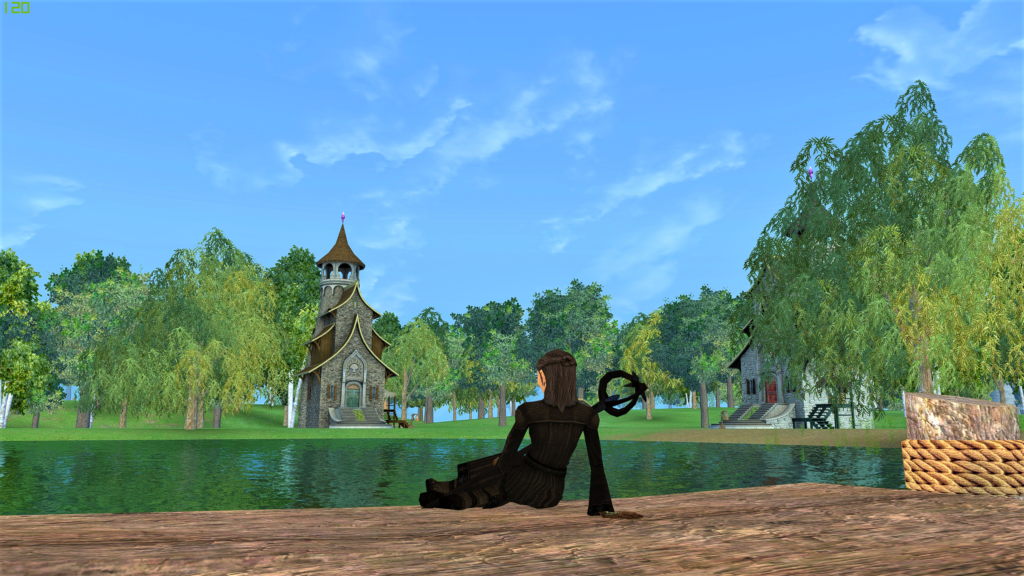
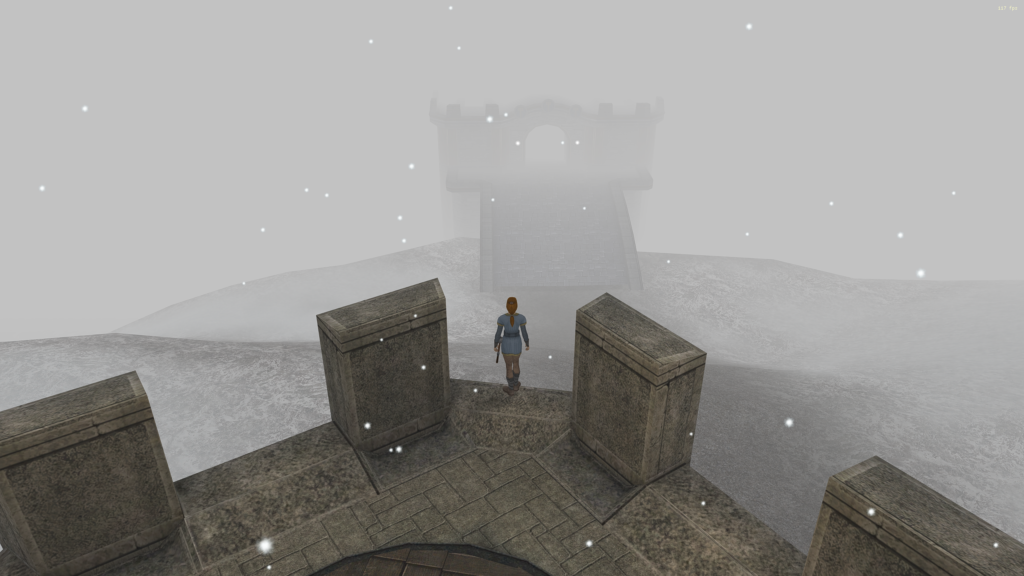
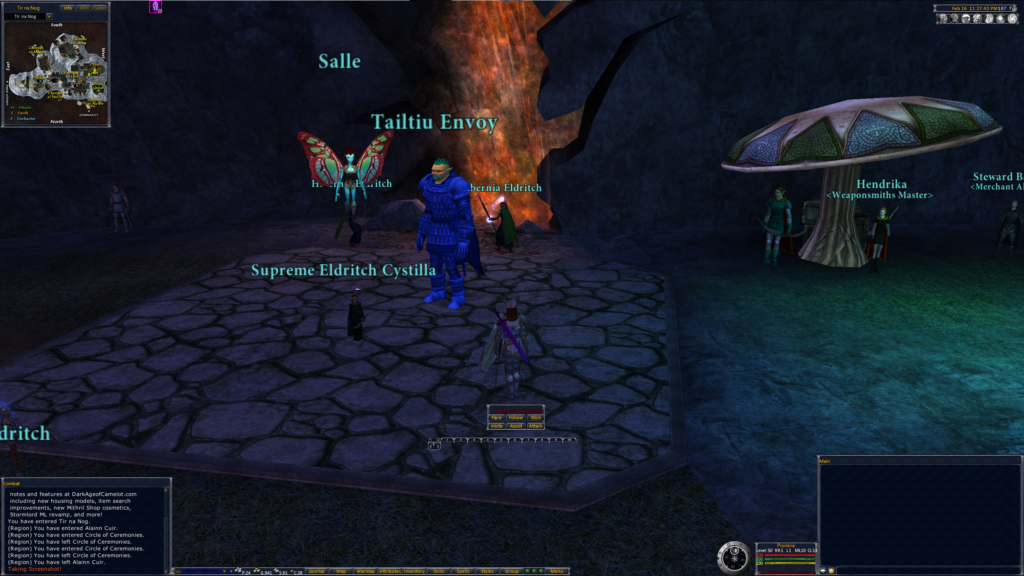
I started playing with different settings to improve the visual quality of DAoC (aka make DAoC run on a toaster). If you have questions, hit me up in Discord. I asked Broadsword if posting ReShade & dgVoodoo was acceptable and the response was affirmative.
Last updated: 1 Feb 2022
Instructions
- Download Prondr’s dgVoodoo 2.78 + ReShade 5.0 settings (above).
- Extract the
.zipfile.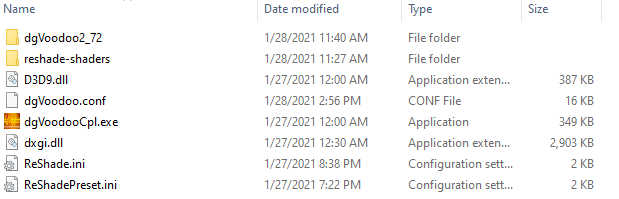
- Copy the contents of the extracted
.zipinto your DAoC game directory, wherecamelot.exeandgame.dlllive (defaultC:\Program Files (x86)\Electronic Arts\Dark Age of Camelot). - Launch
camelot.exe.
Software / tools used
- Nvidia Control Panel, standard video card settings
- Nvidia Profile Inspector, advanced video card settings
- ReShade.me, shaders to make things pretty
- dgVoodoo2, converts DirectX 9 to DirectX 12
Nvidia settings
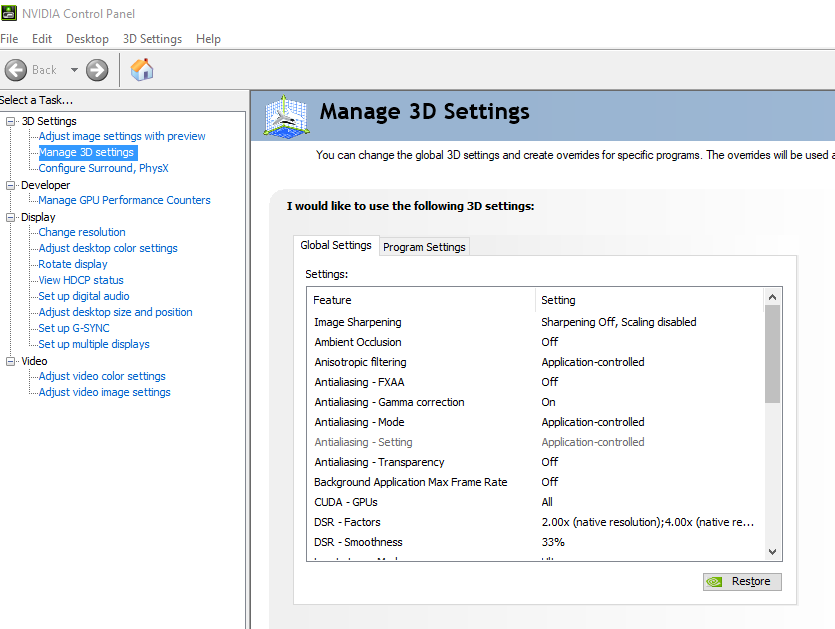
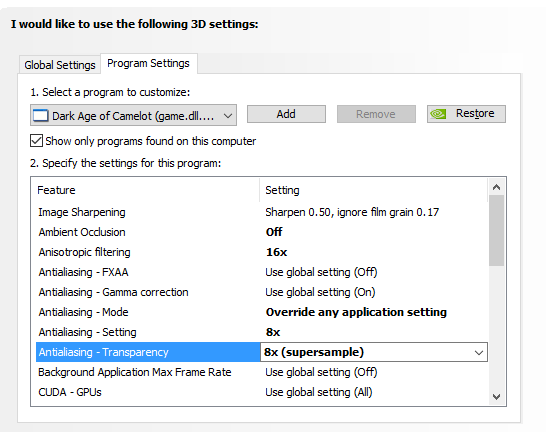
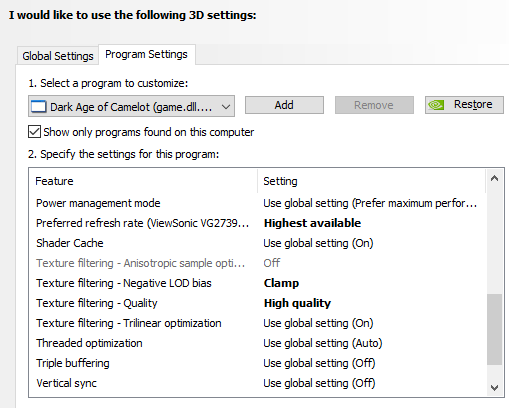
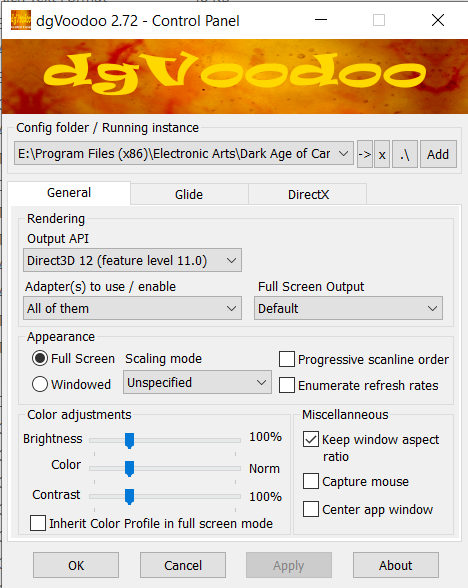
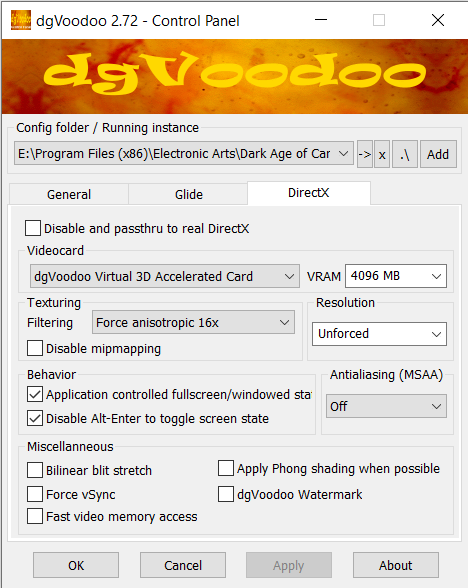
dgVoodoo2 settings
In-game DAoC settings